How to Make a GST Invoice on Your Phone (Free, Step by Step)
Create a GST invoice on your Android phone with the E-Way Easy app: GSTIN auto-fill, saved products with HSN, automatic tax split and an optional e-way bill.
Last verified against official sources: 6 Nov 2026
Drafted with AI assistance, edited and fact-checked by a person. How we write and check our guides
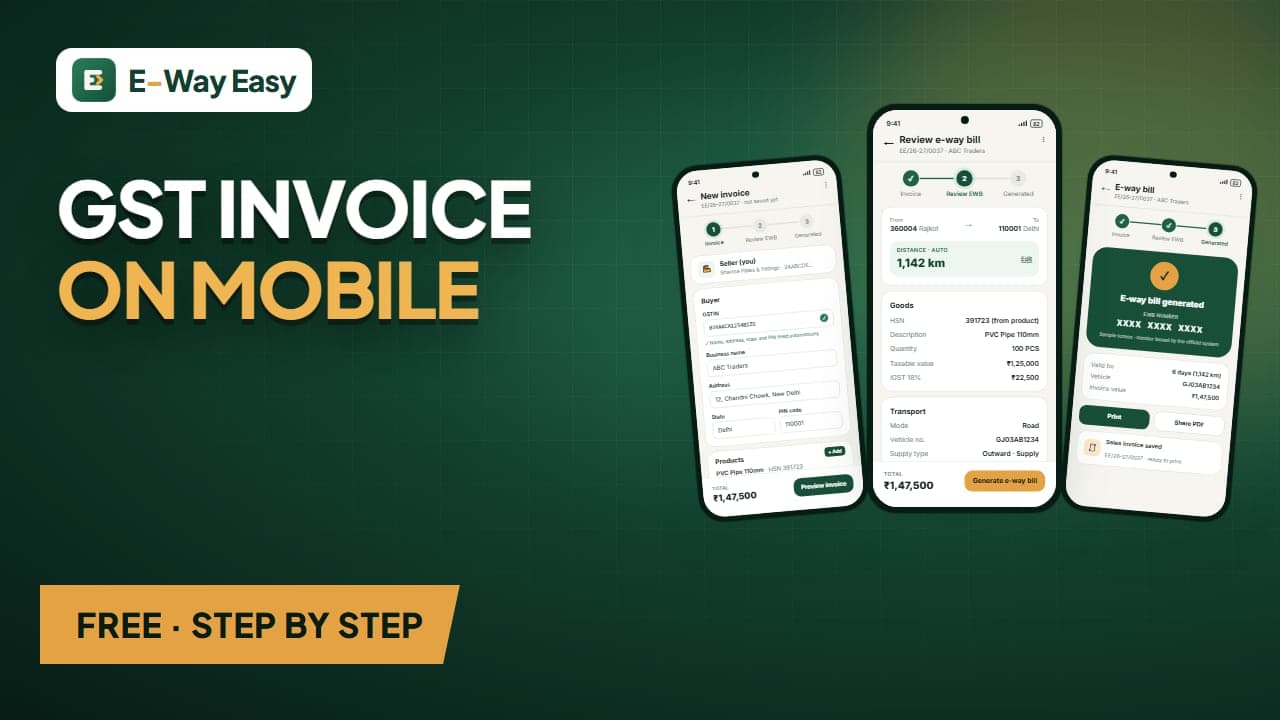
Table of contents
- Before you start
- Step-by-step: making the invoice
- Step 1: Add your business once
- Step 2: Start a new invoice and enter the buyer
- Step 3: Add products
- Step 4: Let the tax split work itself out
- Step 5: Check the invoice number
- Step 6: Preview
- Step 7: Save and download the invoice
- Step 8 (if goods are moving): Continue to the e-way bill
- Example (illustrative): an inter-state invoice on a phone
- Already have the invoice as a PDF?
- What it costs
- Mistakes to avoid on mobile
- Web generator vs E-Way Easy app
- No app? Use the free online generator
- Quick action checklist
- Official sources
Quick answer: Install the E-Way Easy Android app, add your GSTIN once, and start an invoice: the buyer's GSTIN fills their name and address, and saved products bring their HSN. The app works out CGST + SGST or IGST, and you preview, save and download the PDF. Creating invoices is free; credits are used only if you go on to an e-way bill.
Most small traders already run their business from a phone. Orders arrive on WhatsApp and payments come by UPI, yet the invoice often waits for a computer or a bill book.
This guide shows how to make a GST invoice on an Android phone with the E-Way Easy app, and what to check before you send it. If you need one bill today and do not want to install anything, skip to the free online generator at the end.
Before you start
To make a GST invoice on your phone, you need four things: an Android phone with the app, your business GSTIN, the buyer's GSTIN if they are registered, and your product names with HSN codes and GST rates. Gather the product details first, because they get saved once and reused on every invoice.
- An Android phone with the E-Way Easy app
- Your business GSTIN
- The buyer's GSTIN, if they are registered
- Your product names, HSN codes and GST rates
The app is for GST-registered traders, manufacturers, wholesalers and distributors. If you are not registered, you should not charge GST at all; read invoice with GST vs without GST first.
If you also raise invoices in desktop software, give the phone its own prefix. Two tools pulling numbers from one series is the fastest way to get duplicate invoice numbers.
Step-by-step: making the invoice
A GST invoice on the E-Way Easy app is built in the first stage of a three-stage flow: 1 Invoice → 2 Review EWB → 3 Generated. You enter the buyer, products and quantities in stage 1 and preview the invoice. Stages 2 and 3 are used only when the goods need an e-way bill.
Step 1: Add your business once
Sign up with email or Google and add your business GSTIN. Your seller details are saved and appear on every invoice. The dashboard then shows your business name and GSTIN, sales for the financial year, invoice and e-way bill counts, and recent activity.
Step 2: Start a new invoice and enter the buyer
Open create invoice and type the buyer's GSTIN. Their name, address, state and PIN fill automatically. Check them against what the buyer told you; a mismatch is a sign the GSTIN may be wrong.
If the buyer is not registered, leave the GSTIN empty and enter their details by hand. Buyers are saved to your list, so a repeat customer is one tap next time.
If the goods go to a different address, fill Ship To as well. The tax type still follows the place of supply, which for a bill-to-ship-to sale of goods is generally the bill-to buyer's location.
Step 3: Add products
Pick items from your saved products using search. The HSN code fills from the product, and you can edit it. Enter quantity and rate for each line; a new product is saved for future invoices.
Keep the product list accurate. A wrong rate saved once becomes a wrong rate on every invoice that uses it.
Step 4: Let the tax split work itself out
The app compares the buyer's state with yours:
- Same state: CGST + SGST, each at half the rate
- Different states: IGST at the full rate
For the arithmetic behind this, including discounts and mixed rates, see how to calculate GST on a sales invoice.
Step 5: Check the invoice number
Invoice numbers follow your own series and are assigned automatically. Set the prefix to match your books so there are no gaps or duplicates in the financial year.
Step 6: Preview
Preview the invoice before saving. This is where you catch the errors that matter: buyer GSTIN, HSN, quantity, rate, tax type and total. Invoices can also carry your bank details for payment.
Step 7: Save and download the invoice
Save the invoice and download it as a PDF to send to the buyer, for example on WhatsApp or email. You do not need to generate an e-way bill to keep or send an invoice, and this part is free.
Step 8 (if goods are moving): Continue to the e-way bill
If the consignment needs an e-way bill, continue to Review EWB. The road distance between the two PIN codes fills automatically, and you can edit it. Review, generate, and the e-way bill number appears on the Generated screen.
Bills are filed on the official e-way bill system through an authorised GSP, using your own portal API login, which you connect once in the app. See e-way bill generation for the rules behind each field.
Example (illustrative): an inter-state invoice on a phone
Here is one inter-state invoice made end to end on a phone. A Rajkot pipe manufacturer (sample GSTIN 24ABCDE1234F1Z5) sells PVC pipe to a dealer in Indore (sample GSTIN 23FGHIJ6789L1Z1). The value crosses ₹50,000, so the manufacturer also continues to the e-way bill (rates are for illustration only).
| Field | What happens in the app |
|---|---|
| Buyer GSTIN | Typed in; name, address, Madhya Pradesh and PIN fill automatically |
| Product | "PVC pipe 4 inch" picked from saved products; HSN fills from the product |
| Quantity × rate | 500 × ₹180 = ₹90,000 |
| Tax | Different states, so IGST at an illustrative 18% = ₹16,200 |
| Invoice total | ₹1,06,200 |
| Invoice number | Next number in the manufacturer's own series |
| E-way bill | Above the general ₹50,000 threshold, so continue to Review EWB; Rajkot-to-Indore distance fills from PIN codes |
Cost for this invoice: nothing. Cost for the e-way bill: 5 credits (₹5).
Already have the invoice as a PDF?
Import PDF lets you start from an invoice made elsewhere, such as your accounting software. The app reads the buyer, GSTIN, items, HSN codes and totals from the PDF. You then review and correct what it extracted before you generate, because invoice layouts vary and you are responsible for the final details.
Pay most attention to the GSTIN and the totals. A single misread digit in either will make the e-way bill fail or mismatch your books.
What it costs
Making invoices in the E-Way Easy app costs nothing. You pay only for e-way bill actions, at 5 credits each, where 1 credit equals ₹1, with no yearly subscription. Credits are deducted only when the action succeeds, and refunded to your wallet if the portal rejects it.
| Action | Cost |
|---|---|
| Creating, saving, downloading and sharing invoices | Free |
| Generate an e-way bill | 5 credits |
| Update Part B (vehicle), cancel, extend validity, consolidated EWB | 5 credits each |
| Portal rejects the request | Credits refunded to wallet automatically |
Buy packs or any amount through Razorpay (UPI, cards, net banking). Purchased credits are not refundable, so top up in amounts you expect to use.
Mistakes to avoid on mobile
Most mobile invoice mistakes come from trusting the small screen too much. Auto-fill saves typing but can carry a wrong GSTIN, an old rate or a stretched distance into the invoice. The checks below take under a minute and catch the errors that cause e-way bill rejections or a buyer losing input tax credit.
- Accepting auto-filled details without reading them. Check the buyer's name and state before you move on.
- Fixing HSN or rate on one invoice only. Update the saved product so the next invoice is right too.
- Typing a guessed GSTIN for an unregistered buyer. Leave the field empty instead.
- Skipping the preview. Scroll the full preview before saving.
- Stretching the distance. The portal allows up to 10% more than its own PIN-to-PIN distance, so keep edits within that.
- Breaking your number series by changing the prefix halfway through the year.
- Charging GST when you should not. Composition dealers and unregistered sellers do not charge GST.
Web generator vs E-Way Easy app
The free web generator suits one-off bills, non-GST bills and any device. The E-Way Easy app suits regular GST sellers who move goods, because it saves buyers and products and links the invoice to the e-way bill. If you invoice the same buyers every week, the app saves more time.
| Point | Free web generator | E-Way Easy app |
|---|---|---|
| Sign-up | Not needed | Email or Google sign-in |
| Output | Invoice PDF | Invoice, with optional e-way bill |
| With / without GST | Switch between both | GST invoices for registered businesses |
| Buyer details | Typed by hand | GSTIN auto-fills name, address, state, PIN |
| Saved buyers and products | No | Yes, with HSN from product |
| Road distance | Not applicable | Filled from PIN codes, editable |
| Invoice to e-way bill | No | Yes, in one flow |
| Best for | One-off bills, non-GST bills, any device | Regular GST sellers who move goods |
No app? Use the free online generator
If you are on an iPhone or a shared computer, or need just one bill, use a browser-based generator. Our free invoice generator works in your phone's browser with no sign-up. Switch With GST or Without GST, fill in the seller, buyer and items, and download a PDF.
Check the With GST switch before you download. It decides whether the tax columns, GSTIN and HSN fields appear on the bill.
Quick action checklist
- List your top products with HSN codes and GST rates.
- Decide the invoice prefix for your phone so it cannot clash with other software.
- Make one test invoice to a regular buyer and compare the PDF with your usual bill.
- Check the auto-filled state and tax type on that test invoice.
- If the goods need an e-way bill, connect your portal API login once before your next dispatch.
If you sell to registered buyers every week, install the app and make your first invoice free. You can get it from the E-Way Easy download page.
Official sources
Tax invoice particulars are set out in Section 31 of the CGST Act and Rule 46 of the CGST Rules, 2017; see cbic-gst.gov.in and the GST portal. E-way bill rules are on ewaybillgst.gov.in. E-Way Easy is independent and not affiliated with the Government of India, GSTN or NIC.
Frequently asked questions
Can I make a GST invoice on my phone for free?
Yes. Creating, saving, downloading and sharing invoices in the E-Way Easy Android app is free. Credits are used only for e-way bill actions, such as generating or cancelling an e-way bill.
How much does an e-way bill cost in the app?
Each e-way bill action uses 5 credits, and 1 credit equals ₹1. Credits are taken only when the action succeeds. If the portal rejects the request, the credits go back to your wallet automatically.
Do I have to type the buyer's address every time?
No. Enter the buyer's GSTIN and their name, address, state and PIN fill automatically. Buyers you have billed before are saved, so a repeat customer is picked from a list.
Can I make an invoice for an unregistered buyer on mobile?
Yes. Leave the buyer GSTIN empty and enter the name, address, state and PIN yourself. Check the state carefully, because it decides whether CGST + SGST or IGST applies.
Is there an iPhone version of the app?
The E-Way Easy app is available for Android. On an iPhone or any other device, you can use the free online invoice generator in your phone's browser.
Can the app read an invoice I already made elsewhere?
Yes. Import PDF reads the buyer, GSTIN, items, HSN codes and totals from an existing invoice PDF. You review and correct the extracted details before generating.
Sources and references
- CBIC GST (Acts and Rules)cbic-gst.gov.in
- GST portalwww.gst.gov.in
- CBICwww.cbic.gov.in
This article is general information, not tax or legal advice. GST and e-way bill requirements depend on the transaction, applicable notifications and state-specific provisions. Check the official portals before you rely on it.
Written by
Bhavesh AkabariBhavesh Akabari writes and edits the E-Way Easy guides on e-way bills, GST invoicing and day-to-day compliance workflows for Indian manufacturers, wholesalers and traders. Drafts are prepared with AI assistance; he edits each one and checks the facts against official GST and e-way bill sources, and every compliance article carries a "last verified" date.
How we create contentRelated articles
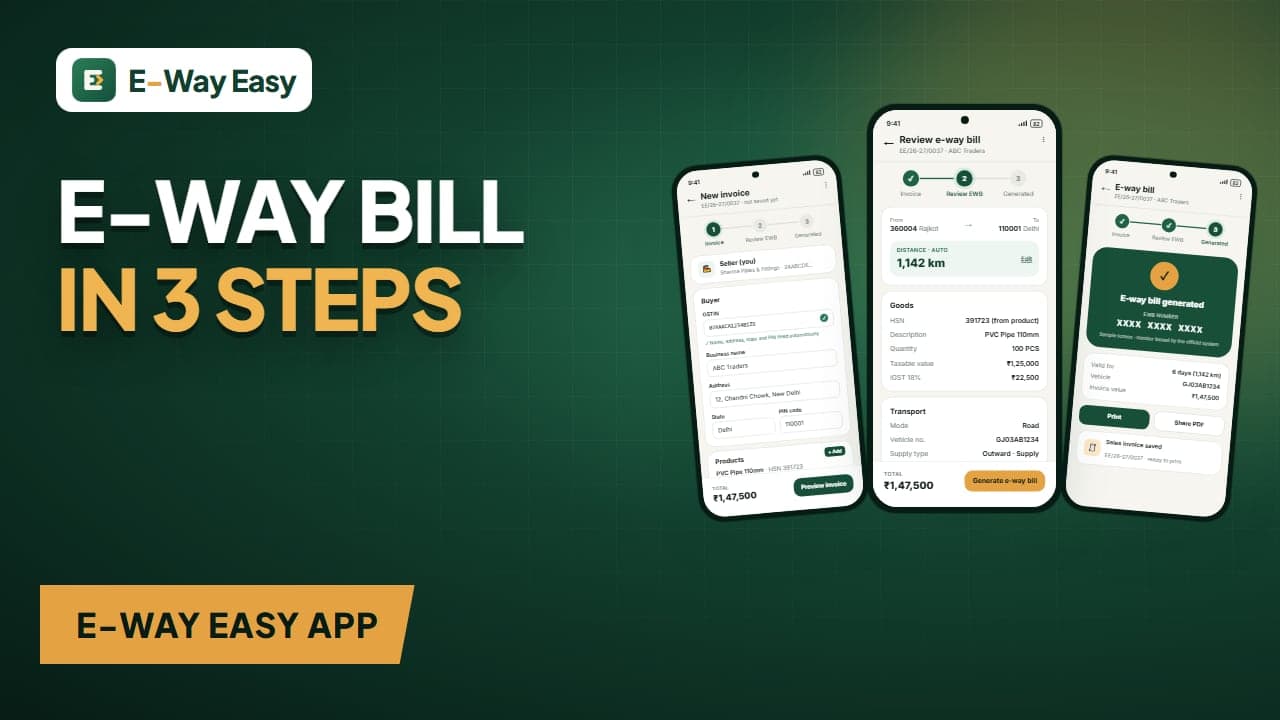
How E-Way Easy Simplifies the E-Way Bill Workflow
A walkthrough of the E-Way Easy Android app: one-time setup, the 3-step Invoice → Review EWB → Generated flow, invoice PDF import and managing e-way bills.
By Bhavesh Akabari · · 6 min read
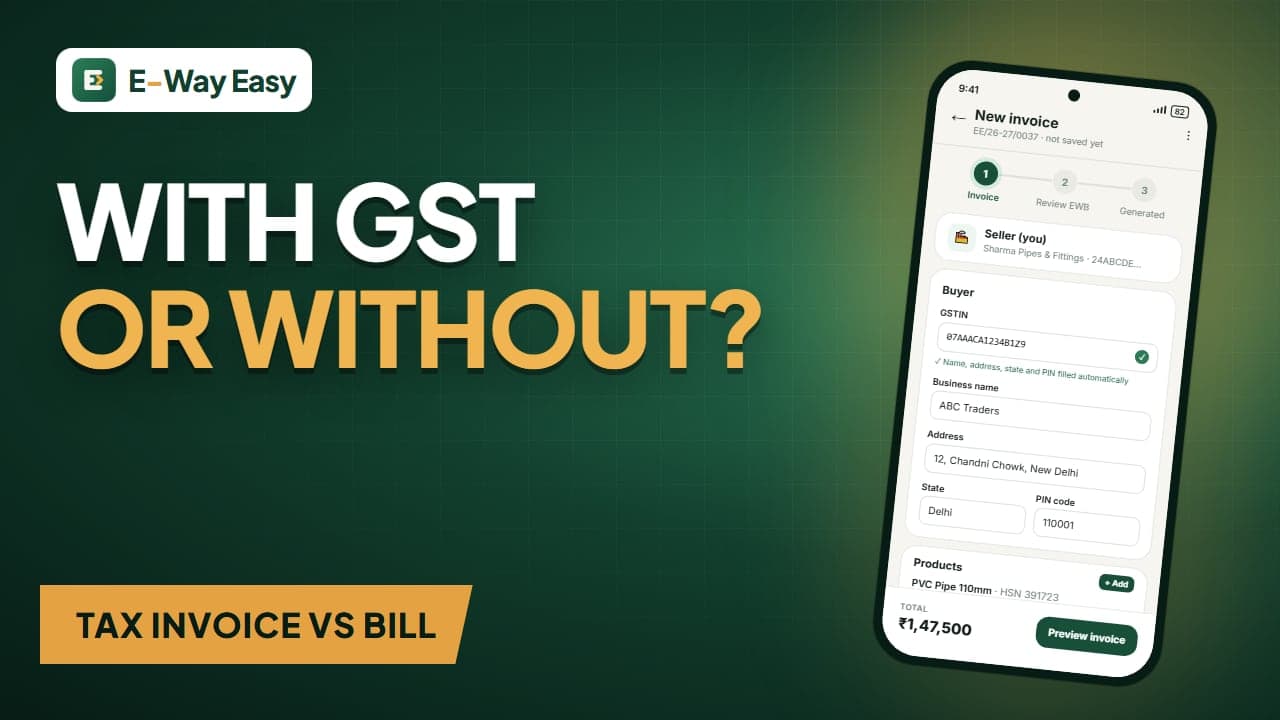
Invoice With GST or Without GST? Tax Invoice vs Bill of Supply
Who must charge GST on an invoice, who issues a bill of supply instead, and what changes on the document. A decision guide for small businesses.
By Bhavesh Akabari · · 9 min read
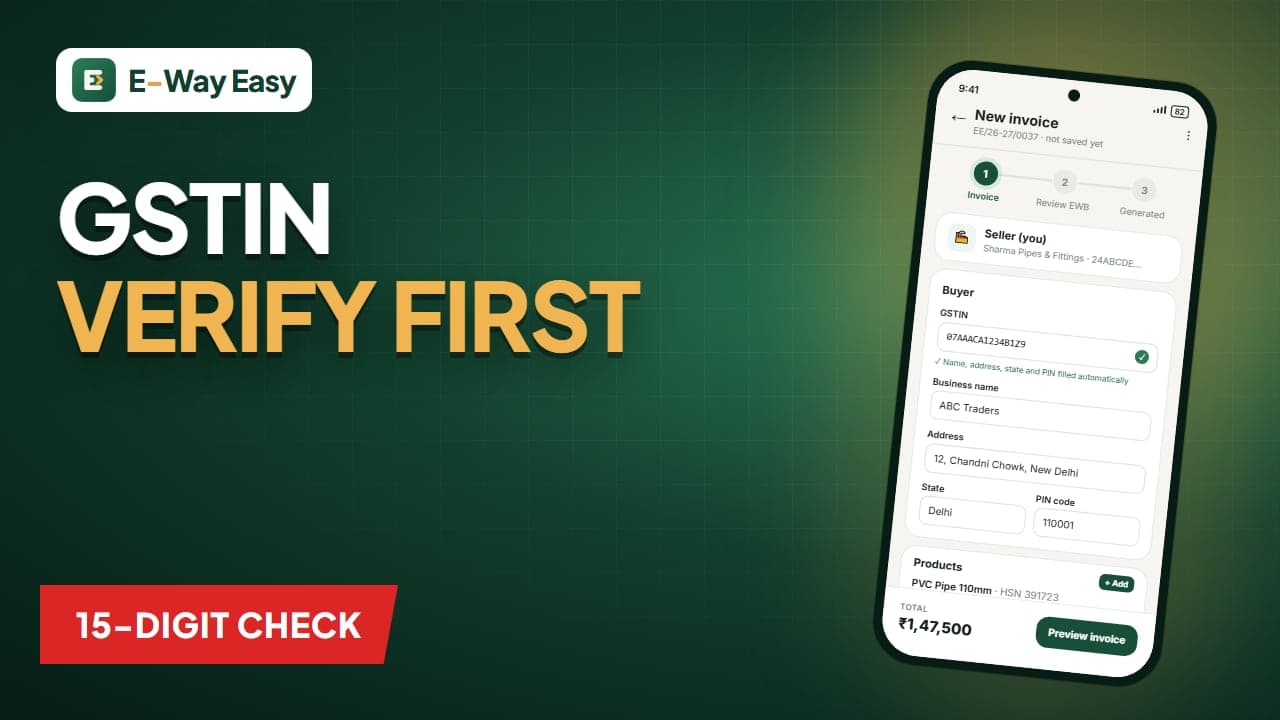
GSTIN Verification: What Businesses Should Check
A 15-character GSTIN tells you a lot — state, PAN, entity and a check digit. Here is how to read it and what to verify before you bill or buy.
By Bhavesh Akabari · · 8 min read