GSTIN Verification: What Businesses Should Check
A 15-character GSTIN tells you a lot — state, PAN, entity and a check digit. Here is how to read it and what to verify before you bill or buy.
Last verified against official sources: 16 Oct 2026
Drafted with AI assistance, edited and fact-checked by a person. How we write and check our guides
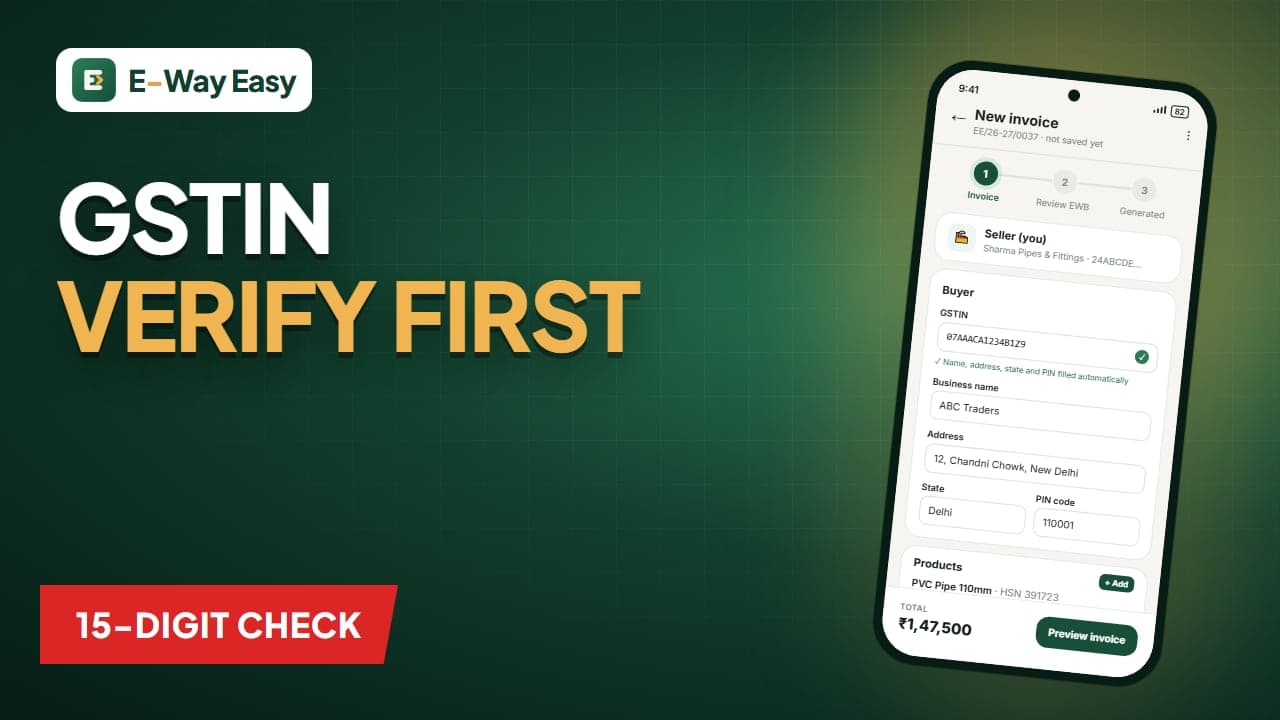
Table of contents
- How a GSTIN is structured
- State code (positions 1–2)
- PAN (positions 3–12)
- Entity number (position 13)
- "Z" (position 14)
- What a format check can and cannot tell you
- What to check on the GST portal
- Example (illustrative): onboarding a new buyer
- When to re-verify
- Common mistakes
- Limitations
- Quick action checklist
- Official sources
Quick answer: Search the GSTIN on the GST portal's Search Taxpayer facility, which needs no login. Check that the status is active and the legal name matches the party. A valid-looking 15-character GSTIN does not prove the registration is active or belongs to that business.
A wrong GSTIN on an invoice causes trouble in three places at once. Your buyer may lose input tax credit, your e-way bill may show the wrong party, and your GSTR-1 will not match the buyer's books. A few minutes of checking at onboarding saves weeks of correction later.
How a GSTIN is structured
A GSTIN is a 15-character GST identification number. The first two digits are the state code, the next ten are the business's PAN, then come an entity number, the letter "Z" by default and a check digit. Reading these parts lets you spot a wrong state or a PAN mismatch before you search the portal.
Using the sample 24ABCDE1234F1Z5:
| Position | Characters | Sample | Meaning |
|---|---|---|---|
| 1–2 | 2 digits | 24 | State code of registration (24 = Gujarat) |
| 3–12 | 10 characters | ABCDE1234F | PAN of the business |
| 13 | 1 character | 1 | Entity number for that PAN in that state |
| 14 | 1 character | Z | "Z" by default |
| 15 | 1 character | 5 | Check digit (checksum) |
State code (positions 1–2)
The first two digits identify the state or UT of this registration. A few examples:
| Code | State/UT |
|---|---|
| 07 | Delhi |
| 24 | Gujarat |
| 27 | Maharashtra |
| 29 | Karnataka |
| 33 | Tamil Nadu |
A business registered in several states has a separate GSTIN in each, with a different state code. The full list is in the free GST state code list.
PAN (positions 3–12)
The next ten characters are the PAN of the legal entity, so all GSTINs of one company share the same PAN block. If a supplier's stated PAN differs from the PAN inside its GSTIN, stop and ask why.
The PAN's fourth character, which is position 6 of the GSTIN, shows the type of holder: "P" means an individual, so the business is a proprietorship, while "C" means a company and "F" a firm. If the legal name says "Pvt Ltd" but position 6 is "P", something does not add up.
Entity number (position 13)
A business can hold more than one registration under the same PAN in the same state, for example for separate business verticals. The 13th character tells them apart: 1 for the first, 2 for the second, and letters after 9.
"Z" (position 14)
For normal registrations, the 14th character is "Z" by default.
What a format check can and cannot tell you
A format check confirms that a GSTIN is 15 characters, follows the pattern and has a correct check digit. The check digit is calculated from the first 14 characters, so most single-character typos fail it. It cannot tell you whether the registration is active or whose it is; only the portal record does that.
| A format check catches | A format check misses |
|---|---|
| Wrong length | A cancelled or suspended registration |
| Most single-character typos | A valid GSTIN of a different business |
| Letters where digits belong | A composition taxpayer charging GST |
| A GSTIN from the wrong state for this order |
Copy-paste causes its own errors. A GSTIN pasted from an email or PDF can carry a hidden space, a line break or lowercase letters. Clean the field and count to 15 before you blame the portal.
What to check on the GST portal
The GST portal's Search Taxpayer facility lets anyone look up a GSTIN, or search by PAN, without login. For every new buyer or supplier, check the status, legal and trade name, registration and cancellation dates, constitution, taxpayer type, principal place of business and, where shown, return filing status. Each one answers a different risk.
- Status: Active, Cancelled or Suspended. Treat only an active registration as registered for current transactions.
- Legal name and trade name: they should match the purchase order or your quotation. Put the legal name on the invoice; the trade name can differ.
- Date of registration and, if relevant, date of cancellation.
- Constitution of business: proprietorship, partnership, company and so on. It should agree with the PAN's fourth character.
- Taxpayer type: regular or composition. A composition taxpayer cannot charge GST or pass on credit, so question any GST on its invoice.
- Principal place of business: compare it with your address; it also shows the state for place-of-supply purposes.
- Return filing status: where shown, a quick look at whether returns are filed regularly. A supplier who does not file can affect your credit.
Note: The e-way bill portal also lets you check a GSTIN's details. If it rejects a recipient GSTIN during generation, go back to Search Taxpayer first.
The state on the portal record matters for tax type. If the buyer's registration is in another state, the sale is likely inter-state, though bill-to-ship-to orders need a closer look. See CGST, SGST and IGST explained.
Example (illustrative): onboarding a new buyer
This example walks through a new buyer check in seven steps. Each row shows what was checked, what the record showed and what the seller did. It then shows what changes if the status had been cancelled: the sale becomes one to an unregistered person, which changes the invoice and the reporting.
A Nagpur paper products company receives a first order from "Shree Packaging, Hyderabad" for ₹2,85,000. The buyer gives GSTIN 36ABCDE1234F1Z9 (sample).
| Check | Result | Action |
|---|---|---|
| Length 15 characters | Yes | — |
| State code 36 | Telangana, matches Hyderabad | Inter-state sale from Maharashtra → IGST |
| PAN block | Matches the PAN on the buyer's purchase order | — |
| Search Taxpayer status | Active | — |
| Legal name | "Shree Packaging Industries" | Full legal name used on invoice |
| Taxpayer type | Regular | Can claim credit |
| Address | Industrial area, Hyderabad | Used for invoice and e-way bill |
Now imagine the status had shown Cancelled two months back. The company should not bill it as a registered buyer. It would treat the sale as one to an unregistered person, which changes the invoice and GSTR-1 reporting, and would talk to the buyer before dispatch.
When to re-verify
A GSTIN check is not one-and-done, because registrations get cancelled, suspended or changed. Re-verify at onboarding, on a regular cycle for your main parties, whenever a party changes its name, address or bank details, when the e-way bill portal rejects a GSTIN that used to work, and before claiming large credit from a new supplier.
- At onboarding of every new buyer or supplier.
- Periodically for regular parties; a quarterly check of top customers and suppliers is a practical habit.
- When a party changes its name, address or bank details.
- When the e-way bill portal rejects a GSTIN that worked earlier.
- Before claiming large input tax credit from a new supplier.
A saved buyer list speeds up billing but can hide a stale record. In the E-Way Easy app, entering a buyer's GSTIN fills the name, address, state and PIN, and buyers go into a saved list. That cuts typing, but it does not replace the periodic status check.
Common mistakes
Most GSTIN mistakes come from trusting a number because it was accepted somewhere: copying it from an old invoice, using the head office GSTIN for a branch in another state, or ignoring a name mismatch. Others skip the taxpayer type and pay GST to a composition supplier. A valid format proves none of these.
- Copying a GSTIN from an old invoice of a party that has since changed or cancelled registration.
- Using the head office GSTIN for a branch in another state. Use the GSTIN of the state the party buys or supplies from.
- Mixing up 0/O, 1/I, 5/S and 8/B while typing.
- Ignoring a legal name mismatch because "the number was accepted".
- Not checking taxpayer type, then paying GST to a composition supplier.
- Treating a valid format as proof of a genuine business. Fake or borrowed GSTINs are a real risk.
For how a wrong GSTIN flows into the e-way bill, see how to avoid errors in invoice and transport details.
Limitations
Search Taxpayer shows public registration data only. It does not confirm that a transaction is genuine, that the party has paid its tax, or that goods were supplied. For higher-value relationships, combine the portal check with your normal vendor checks, such as bank details and trade references.
Quick action checklist
- Search every new party's GSTIN on Search Taxpayer before the first invoice or purchase.
- Match the legal name, state and constitution against the order and the PAN's fourth character.
- Note the taxpayer type, and flag composition suppliers in your purchase records.
- Set a quarterly reminder to re-check your top customers and suppliers.
- Clean pasted GSTINs: capitals only, no spaces, exactly 15 characters.
Checking a batch of GSTINs? The free GSTIN validator checks format and check digit and decodes each part, one at a time or up to 500 at once. Then confirm status on the GST portal.
Official sources
Registration details live on the GST portal; Search Taxpayer and the state code list are at gst.gov.in. Guidance on registration is on tutorial.gst.gov.in, and e-way bill GSTIN checks are on ewaybillgst.gov.in. Always verify the latest details on these portals.
Frequently asked questions
Can I verify a GSTIN without logging in?
Yes. The GST portal's Search Taxpayer facility works without login and shows basic registration details for a GSTIN, including status, legal name and taxpayer type.
What does a 'cancelled' or 'suspended' status mean for me?
It means the registration is not active. Charging tax to, or claiming credit from, such a party needs care. Check the date of cancellation and take advice before you bill.
Does a valid-looking GSTIN prove the business is genuine?
No. The format and check digit can be correct while the registration is cancelled or belongs to a different business. Always check the portal record and the legal name.
Why does the portal reject a GSTIN I copied from an email?
Often because of a hidden space, a lowercase letter or a look-alike character such as O for 0. Retype it in capitals, check its length is exactly 15, and search it again.
Sources and references
- GST portal (Search Taxpayer)www.gst.gov.in
- GST tutorialstutorial.gst.gov.in
- E-Way Bill System (official portal)ewaybillgst.gov.in
This article is general information, not tax or legal advice. GST and e-way bill requirements depend on the transaction, applicable notifications and state-specific provisions. Check the official portals before you rely on it.
Written by
Bhavesh AkabariBhavesh Akabari writes and edits the E-Way Easy guides on e-way bills, GST invoicing and day-to-day compliance workflows for Indian manufacturers, wholesalers and traders. Drafts are prepared with AI assistance; he edits each one and checks the facts against official GST and e-way bill sources, and every compliance article carries a "last verified" date.
How we create contentRelated articles
CGST vs. SGST vs. IGST Explained
Which GST applies to your sale — CGST plus SGST, or IGST? A plain-English guide to place of supply, UTGST, credit use and costly mix-ups.
By Bhavesh Akabari · · 7 min read
How to Avoid Errors in Invoice and Transport Details
The invoice and transport errors that most often cause e-way bill cancellations and roadside trouble, and a pre-dispatch checklist to catch them.
By Bhavesh Akabari · · 8 min read
HSN Codes: A Practical Guide
What HSN codes are, how the digits are structured, how many digits you must report, and how to keep them right on invoices and e-way bills.
By Bhavesh Akabari · · 7 min read