HSN Codes: A Practical Guide
What HSN codes are, how the digits are structured, how many digits you must report, and how to keep them right on invoices and e-way bills.
Last verified against official sources: 16 Oct 2026
Drafted with AI assistance, edited and fact-checked by a person. How we write and check our guides
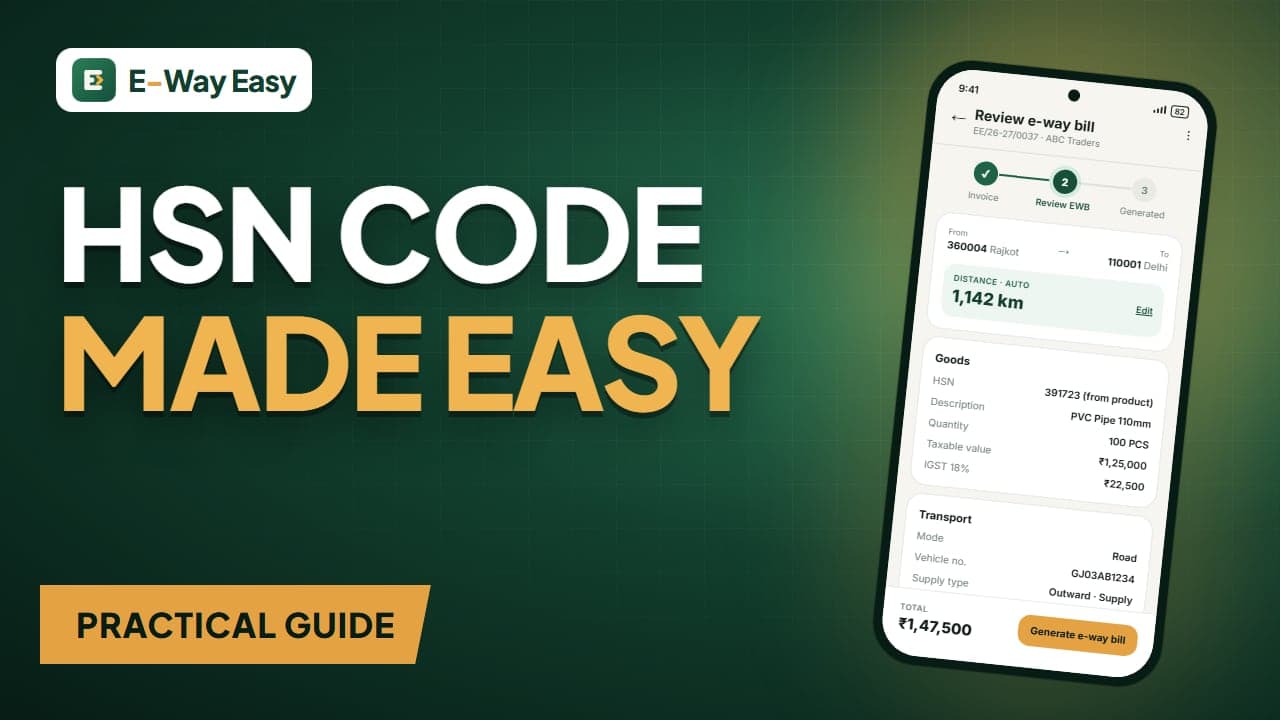
Table of contents
Quick answer: An HSN code classifies a product and appears on your tax invoice, your GSTR-1 HSN summary and Part A of the e-way bill. How many digits you must report depends on your turnover, so check the current notification. Confirm the GST rate separately, because the code and the rate are not the same thing.
Every product on a GST invoice needs a classification code: the HSN code. Because it links your product to its tax rate, a wrong HSN is not just a typo.
It can mean the wrong rate, a mismatch with your buyer's records, or questions in an inspection. This guide explains how the codes are built, how many digits to use, how to find the right one and how to keep it the same across documents.
Important: This article does not list HSN-to-rate mappings. Rates are notified by the government and change from time to time. Confirm both the code and the rate on official sources, and take professional advice for borderline classifications.
What HSN is
HSN stands for Harmonized System of Nomenclature, an international product classification maintained by the World Customs Organization. India uses it in the Customs Tariff and, through that, in GST. Services use a separate code, the Services Accounting Code (SAC), and SAC codes start with 99.
The international system is revised from time to time, and India's tariff follows. So a code you saved years ago may have been split or moved. If a code was set up long ago and never rechecked, look it up again in the current tariff.
How the digits are structured
An HSN code narrows from a broad group of goods to a specific product as the digits grow. The first two digits are the chapter, four digits the heading, six the sub-heading, and eight the tariff item. The first six digits are common worldwide; the last two are India's national detail.
| Digits | Level | What it tells you |
|---|---|---|
| First 2 | Chapter | Broad group of goods (e.g. a chapter for articles of iron or steel) |
| First 4 | Heading | A type of product within the chapter |
| First 6 | Sub-heading | A more specific product, common internationally up to this level |
| All 8 | Tariff item | India's national-level detail in the Customs Tariff |
Example (illustrative structure, not a classification ruling):
73 | 07 | 19 | 00
 |    |    |    └── tariff item (8 digits, national)
 |    |    └─────── sub-heading (6 digits)
 |    └──────────── heading (4 digits)
 └───────────────── chapter (2 digits)
The illustration shows structure only. Do not copy a code from an article; find your product's code in the tariff and confirm it.
How many digits you need to report
GST requires HSN on tax invoices and in the HSN-wise summary of outward supplies in GSTR-1, and it is a field on e-invoices and e-way bills. The number of digits you must show depends on your aggregate annual turnover. Smaller businesses generally report fewer digits than larger ones.
- Taxpayers below the notified turnover cut-off generally report 4-digit HSN codes.
- Taxpayers above that cut-off generally report 6-digit HSN codes.
- Many businesses use 8 digits anyway, since it is the most precise level and avoids changes as they grow.
The cut-off, any B2B and B2C differences, and the phase-wise GSTR-1 validations come from notifications and GSTN advisories. Verify the current requirement on the GST portal before relying on a digit count.
If you report more digits than required, make sure the first four or six still match the code your buyer and your e-way bill use. Extra digits are not a problem; different digits are.
How to find the right code
Find the right HSN by describing the product precisely, then reading the tariff from chapter down to tariff item, including the chapter notes. Then check the GST rate notification for that description, because the rate can depend on the description and conditions, not only on the code. Record your reasoning for later.
- Describe the product accurately: what it is made of, what it does, and its form (raw, semi-finished, finished).
- Start with the chapter that fits the material or function.
- Read the heading and sub-heading descriptions and the chapter notes. The notes often decide borderline cases.
- Check the tariff item at 8 digits.
- Check the GST rate notification for that heading and description.
- Record your reasoning in your product master, especially for products that could fit more than one heading.
- Ask your supplier what code they use on purchase invoices, as a cross-check, not as proof.
Our HSN code lookup tool lets you search by description as a starting point. Final confirmation should come from official sources.
Example (illustrative): building a product master
A product master stores each item once with its HSN code, unit, rate and the date it was last checked. A Jamnagar brass parts maker sells three product types. Instead of typing HSN on every invoice, the team records each code once from the tariff and lets every invoice pick it up from there.
| Product | HSN | Unit | GST rate | Verified on | Note |
|---|---|---|---|---|---|
| Brass hose fitting | 8-digit code from the tariff | NOS | As per current notification | 05-08-2026 | Checked chapter notes |
| Brass sanitary fitting | 8-digit code from the tariff | NOS | As per current notification | 05-08-2026 | Confirmed with consultant |
| Brass scrap | Separate scrap heading | KGS | As per current notification | 05-08-2026 | Different rate from finished goods |
With this master, each invoice line picks up the code, unit and rate. When a rate notification changes, only the master is updated, and the "verified on" column shows when the last check was done.
On a sample invoice of 1,200 hose fittings at ₹95 each, the taxable value is ₹1,14,000. The same code flows to the invoice, the e-way bill and the GSTR-1 HSN summary, so the three never disagree. For setting up masters across a factory, see how manufacturers can simplify invoice workflows.
Where HSN appears
HSN appears on every GST document that describes goods: the tax invoice, bill of supply and delivery challan, the e-invoice, Part A of the e-way bill and the HSN summary in GSTR-1. Because the same code is reported in several places, one wrong entry in your master shows up everywhere at once.
| Document | HSN role |
|---|---|
| Tax invoice | Mandatory per line, digits as per your turnover category |
| Bill of supply / delivery challan | Required as per the respective rules |
| GSTR-1 | HSN-wise summary of outward supplies |
| E-invoice | Mandatory field for each item |
| E-way bill Part A | HSN of goods being moved |
If you keep codes in a spreadsheet, format the HSN column as text. Excel turns 0402 into 402, and codes from chapters 01 to 09 then fail validation or look like a different product. More spreadsheet traps are in how to prepare invoice data for bulk processing.
Common mistakes
Most HSN errors are copying errors, not classification puzzles. A code is taken from a website, a competitor's invoice or an old master and never checked against the current tariff. The list below covers what to check first when your invoice, e-way bill and GSTR-1 show different codes for the same product.
- Copying a code from a website or a competitor's invoice without checking the tariff.
- Using fewer digits than required, or mixing 4-digit and 8-digit codes for one product in different months.
- Assuming the code decides the rate on its own. Rate notifications often depend on description and conditions too.
- Forgetting to update the master after a rate change, so old rates keep flowing to invoices.
- Using SAC for goods or HSN for services.
- Different codes on the invoice and the e-way bill because they were typed separately.
- Classifying scrap, parts and finished goods the same way. They often fall under different headings.
Limitations
Classification can be genuinely hard for composite products, kits, parts of machines and items that change form during manufacture. No lookup tool or article can settle those cases. Where the stakes are high, take professional advice, and consider the GST advance ruling mechanism if you need a binding answer for your business.
How E-Way Easy handles HSN
In the E-Way Easy app, the HSN code fills from the saved product when you add it to an invoice, and you can edit it manually. That keeps the same code on the invoice and the e-way bill. The accuracy of the code in your product list is still your responsibility, so check it once when you save the product.
Quick action checklist
- Export every product you sold last quarter with the HSN code used.
- Confirm the digit count your turnover requires on the GST portal.
- Recheck each code against the current tariff and chapter notes.
- Add a "verified on" date to every product in your master.
- Format the HSN column as text in every spreadsheet you use.
Not sure where to begin with a product? Search its description in the free HSN code lookup, then confirm the result in the official tariff.
Official sources
HSN classification follows the Customs Tariff, and GST rates are notified by the government. HSN reporting requirements are set by notifications and GSTN advisories. Verify on cbic.gov.in, cbic-gst.gov.in, the GST portal and tutorial.gst.gov.in.
Frequently asked questions
Is the HSN code the same as the GST rate?
No. The HSN code classifies the product, and the GST rate is notified separately with reference to HSN headings and descriptions. Two products under nearby codes can carry different rates.
How many HSN digits should I show?
It depends on your aggregate turnover and the document. Smaller taxpayers report fewer digits than larger ones. Check the current notification on the official portal for the exact cut-off.
What is SAC?
SAC stands for Services Accounting Code. It is the classification used for services in place of HSN, and SAC codes begin with 99.
Why did my HSN code lose a digit in Excel?
Excel treats a code like 0402 as a number and drops the leading zero. Format the HSN column as text before you type or paste codes, and recheck any code from chapters 01 to 09.
Sources and references
- CBIC (Customs tariff and GST rate notifications)www.cbic.gov.in
- CBIC GSTcbic-gst.gov.in
- GST portalwww.gst.gov.in
- GST tutorialstutorial.gst.gov.in
This article is general information, not tax or legal advice. GST and e-way bill requirements depend on the transaction, applicable notifications and state-specific provisions. Check the official portals before you rely on it.
Written by
Bhavesh AkabariBhavesh Akabari writes and edits the E-Way Easy guides on e-way bills, GST invoicing and day-to-day compliance workflows for Indian manufacturers, wholesalers and traders. Drafts are prepared with AI assistance; he edits each one and checks the facts against official GST and e-way bill sources, and every compliance article carries a "last verified" date.
How we create contentRelated articles
How to Prepare Invoice Data for Bulk Processing
Set up a clean invoice spreadsheet, run simple validation checks and remove duplicates before you upload data for bulk e-way bills or returns.
By Bhavesh Akabari · · 8 min read
How Manufacturers Can Simplify Invoice Workflows
A practical way for small and mid-sized manufacturers to cut invoice errors and delays by fixing masters, numbering, review steps and the hand-off to dispatch.
By Bhavesh Akabari · · 7 min read
CGST vs. SGST vs. IGST Explained
Which GST applies to your sale — CGST plus SGST, or IGST? A plain-English guide to place of supply, UTGST, credit use and costly mix-ups.
By Bhavesh Akabari · · 7 min read