How Manufacturers Can Simplify Invoice Workflows
A practical way for small and mid-sized manufacturers to cut invoice errors and delays by fixing masters, numbering, review steps and the hand-off to dispatch.
Drafted with AI assistance, edited and fact-checked by a person. How we write and check our guides
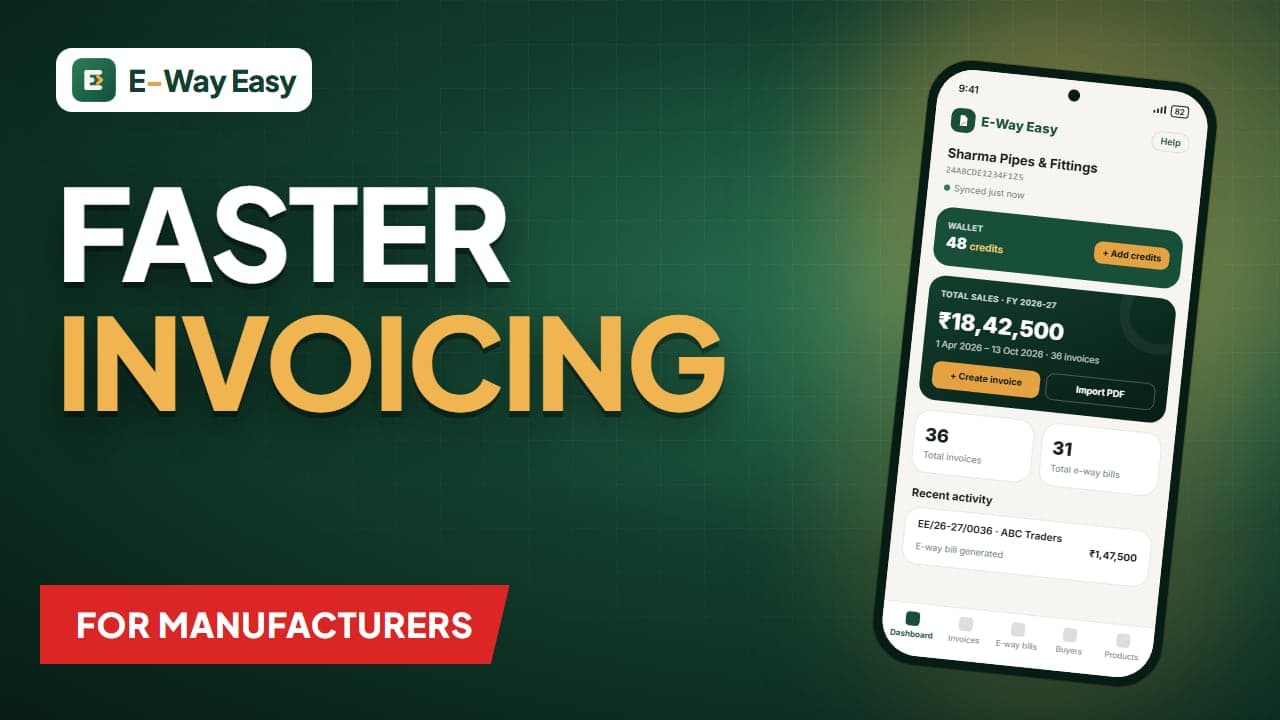
Table of contents
- Where invoice workflows usually break
- Step 1: Build clean masters once
- Buyer master
- Product master
- Step 2: Fix the numbering
- Step 3: Separate preparation from review
- Step 4: Connect the invoice to the e-way bill
- Example (illustrative)
- Step 5: Store and reconcile in one place
- Common mistakes
- Limitations
- Quick action checklist
- Official sources
Quick answer: Keep clean buyer and product masters and one controlled numbering series. Have a second person check every invoice before the goods leave. Then fill the e-way bill from that checked invoice, not from fresh typing.
Most invoice problems in a factory are not tax problems. They are workflow problems: the buyer's address is retyped, the HSN code is copied from last month, and dispatch hears about the order when the truck is already at the gate.
Each gap creates rework. With dozens of dispatches a week, that rework eats whole afternoons. The fixes below need a spreadsheet, an accounting package or a phone app, not an expensive ERP.
Where invoice workflows usually break
An invoice workflow breaks wherever the same data is typed twice or nobody checks it. In most small factories, that means the order, the buyer and product details, the invoice number, the review before dispatch and the e-way bill made at the gate. Map your own process against the table below before you change anything.
| Stage | Typical problem | Effect |
|---|---|---|
| Order received | Order details sit in WhatsApp or a diary | Wrong quantity or rate on the invoice |
| Buyer details | GSTIN, address and PIN typed manually | Wrong state code, mismatch with buyer's records |
| Product details | HSN and GST rate picked from memory | Wrong tax rate, wrong HSN on e-way bill |
| Numbering | Numbers assigned by different people | Duplicate or skipped numbers |
| Review | No second check before dispatch | Errors found after the goods leave |
| E-way bill | Made in a hurry at the gate | Part A errors, vehicle number typos |
| Filing | Invoices scattered across files | Slow GSTR-1 and reconciliation |
A quick test: pick last month's ten largest invoices and count how many times each buyer's GSTIN was typed by hand. If the answer is "every time", start with Step 1.
Step 1: Build clean masters once
A master is a saved record you reuse instead of retyping. Manufacturers need at least two: a buyer master with GSTIN, addresses and PIN codes, and a product master with HSN, GST rate and unit. Once both exist, staff select from a list, and most typing errors on invoices and e-way bills disappear.
Buyer master
For every regular buyer, store:
- Legal name and trade name
- GSTIN (check it once on the GST portal before saving)
- Billing address and shipping address, each with its own PIN code
- State and state code
- Usual payment terms and transport arrangement
Store the ship-to PIN separately from the billing PIN. Part A of the e-way bill needs the place of delivery, and many dealers bill from an office but receive goods at a godown. For what to check on a GSTIN, see GSTIN verification: what to check.
Product master
For every item you sell, store:
- Product name as it should appear on the invoice
- HSN code at the digit level your turnover requires
- GST rate
- Unit of measurement (UQC)
- Standard rate, if you have one
Keep scrap and by-products as separate products. They often fall under a different HSN heading from the finished goods. Our HSN codes practical guide explains how to choose and check codes.
Note: Masters only help if someone owns them. Assign one person to approve new buyers and products, and review both lists every quarter.
Step 2: Fix the numbering
Rule 46 of the CGST Rules requires a consecutive invoice number, up to 16 characters, unique for the financial year. You can run more than one series. Trouble starts when two people raise invoices from one series by hand, or when a long prefix pushes the number past the character limit.
A simple approach:
- Decide your series before 1 April, for example
RJ/26-27/0001for the main plant. - Give a second location under the same GSTIN its own prefix instead of sharing numbers.
- Let the software or app assign the next number. Avoid "reserving" numbers on paper.
- If an invoice is cancelled, mark the number as cancelled. Do not reuse it.
Count characters before you lock a format. Slashes and hyphens count, so RAJKOT-PLANT2/2026-27/00001 is already too long.
Step 3: Separate preparation from review
The most useful single change is a two-person rule. One person prepares the invoice; another checks it before the goods leave. The checker does not redo the work; they tick a short list against the order, the packing list and the weighbridge slip.
- Buyer GSTIN and place of supply match the order
- Quantities match the packing list and weighbridge slip
- HSN and GST rate are right for each line
- CGST + SGST for intra-state, IGST for inter-state
- Total value and rounding are correct
- Transport mode and vehicle number are known
Make the check non-negotiable for urgent dispatches. Rushed loads are where wrong quantities and wrong vehicle numbers happen. For a fuller pre-dispatch list, see how to avoid errors in invoice and transport details.
Step 4: Connect the invoice to the e-way bill
An e-way bill is generally needed before goods move when the consignment value exceeds ₹50,000. Consignment value is taxable value plus GST, excluding exempt supplies on the same invoice. Part A copies your invoice data and Part B adds the vehicle, so typing them separately doubles the chance of a mismatch.
A better sequence:
- Prepare the invoice from the masters.
- Review the invoice.
- Fill Part A from the reviewed invoice data.
- Add Part B once the vehicle is confirmed.
- Share both documents with the driver.
If goods leave from a godown and not your registered address, enter that godown's PIN as the dispatch PIN. The portal works out distance from the PIN codes, so the wrong dispatch PIN gives a wrong distance and a wrong validity. If you are covered by e-invoicing, you can generate the e-way bill from the IRN, with Part A filled from e-invoice data.
Example (illustrative)
A Rajkot pipe manufacturer, sample GSTIN 24ABCDE1234F1Z5, dispatches about 40 consignments a month to dealers in Gujarat and Maharashtra. Before the change, the accountant retyped buyer details, HSN codes sat on a sticky note, and the dispatch supervisor made e-way bills at the gate.
Over one weekend, the firm:
- Created a buyer master of 35 dealers, each GSTIN checked once.
- Created a product master of 18 pipe sizes with HSN, rate and UQC.
- Switched to an auto-numbered series
RPM/26-27/####. - Added a two-minute check by a second person before each dispatch.
- Started filling the e-way bill from the checked invoice.
The effect of a setup like this is plain: fewer cancelled e-way bills, no duplicate numbers in GSTR-1, and no trucks waiting while someone hunts for a PIN code.
Step 5: Store and reconcile in one place
Reconciliation means matching every invoice to its e-way bill and to your GSTR-1 at month end. Keep one register with invoice number, date, buyer GSTIN, taxable value, tax and the e-way bill number against each line. Note cancelled invoices and cancelled e-way bills in the same register.
A simple monthly test: filter invoices above the threshold that moved goods, and confirm each has an e-way bill number. Then check the reverse. An e-way bill without a live invoice usually means a cancelled invoice whose e-way bill was never cancelled.
Common mistakes
Most workflow errors repeat because the process still allows them. The list below covers the gaps that cause rejected e-way bills, duplicate numbers and returns that do not match. Fix the process step, not just the single invoice, or the same mistake comes back next month.
- Treating masters as optional. If staff can still type a GSTIN freehand, they will.
- Sharing one series across locations. This is the main cause of duplicate numbers.
- Editing the invoice after the e-way bill is made. An e-way bill cannot be edited. If Part A is wrong, cancel within 24 hours and generate a new one; see how to cancel an e-way bill.
- Letting the truck leave without Part B. Without Part B, the e-way bill is generally not valid for movement, except in the 50 km same-state case.
Limitations
A cleaner workflow cuts errors but does not settle classification, valuation or place of supply questions. If you are unsure about an HSN code, a GST rate, or whether a movement needs an e-way bill, check with your tax adviser. Then confirm against the official sources below.
Quick action checklist
- Export your last month's invoices and list every buyer and product you billed.
- Build the buyer master with separate billing and ship-to PIN codes.
- Build the product master with HSN, rate and unit, and name one owner for it.
- Fix one numbering series per location and count its characters.
- Start the two-person check on tomorrow's first dispatch.
Want to test the hand-off before your team changes anything? Run a few recent invoices through the free invoice vs e-way bill checker and see where the two documents disagree.
Official sources
Rules on invoices and e-way bills change from time to time. Always confirm the current position on the GST portal, the E-Way Bill System, and CBIC GST.
Frequently asked questions
Should the accounts team or the dispatch team raise the invoice?
Either can work. What matters is that one person owns the invoice and a second person checks it before the goods leave. Both should work from the same buyer and product masters.
Can I use a separate invoice series for each plant or godown?
Yes. A supplier can use multiple series, as long as each invoice number is unique within the financial year for that GSTIN. Keep the series few, documented and within the 16-character limit.
Do I need an ERP to fix invoice errors?
No. Most errors come from retyped data and missing checks, not from the software. A spreadsheet or a mobile app with saved masters and a two-person review fixes most of them.
Sources and references
- GST portalwww.gst.gov.in
- E-Way Bill System (official portal)ewaybillgst.gov.in
- CBIC GSTcbic-gst.gov.in
This article is general information, not tax or legal advice. GST and e-way bill requirements depend on the transaction, applicable notifications and state-specific provisions. Check the official portals before you rely on it.
Written by
Bhavesh AkabariBhavesh Akabari writes and edits the E-Way Easy guides on e-way bills, GST invoicing and day-to-day compliance workflows for Indian manufacturers, wholesalers and traders. Drafts are prepared with AI assistance; he edits each one and checks the facts against official GST and e-way bill sources, and every compliance article carries a "last verified" date.
How we create contentRelated articles
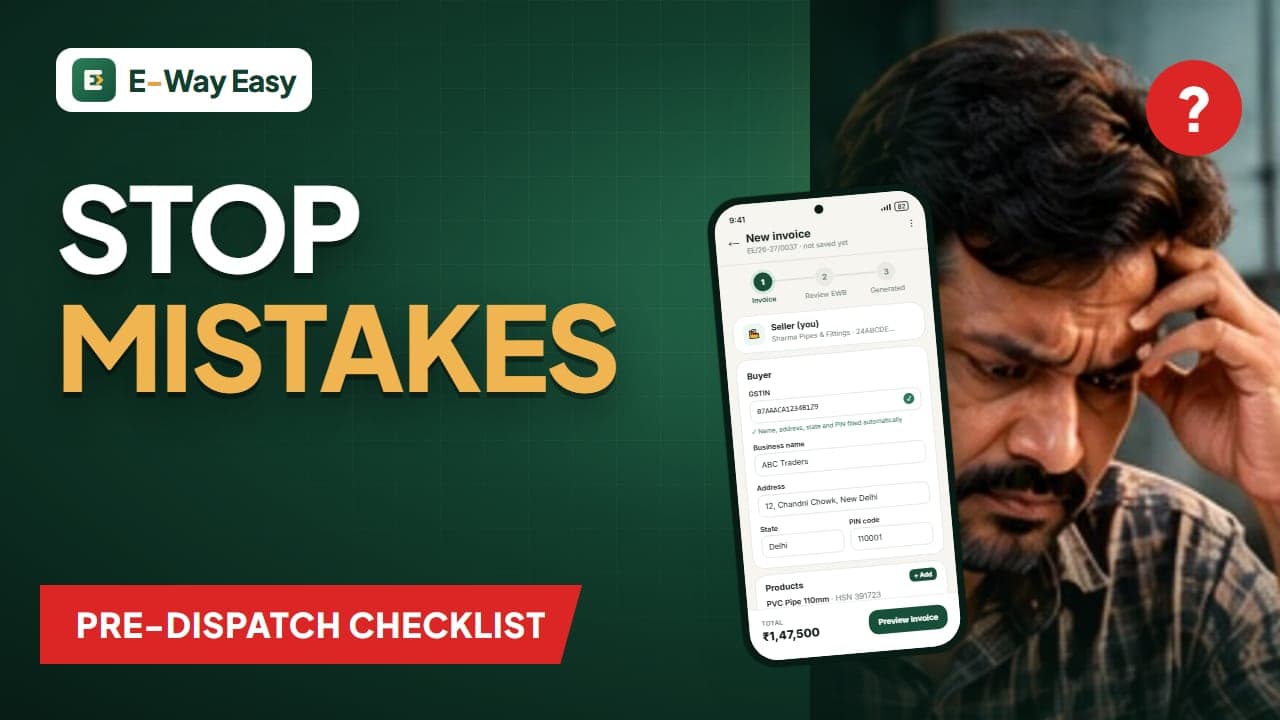
How to Avoid Errors in Invoice and Transport Details
The invoice and transport errors that most often cause e-way bill cancellations and roadside trouble, and a pre-dispatch checklist to catch them.
By Bhavesh Akabari · · 8 min read
How to Prepare Invoice Data for Bulk Processing
Set up a clean invoice spreadsheet, run simple validation checks and remove duplicates before you upload data for bulk e-way bills or returns.
By Bhavesh Akabari · · 8 min read
Digital Tools for Indian Manufacturers
A practical map of the digital tool categories small and mid-sized Indian manufacturers use — accounting, invoicing, compliance, inventory, production and communication.
By Bhavesh Akabari · · 5 min read