How to Avoid Errors in Invoice and Transport Details
The invoice and transport errors that most often cause e-way bill cancellations and roadside trouble, and a pre-dispatch checklist to catch them.
Last verified against official sources: 16 Oct 2026
Drafted with AI assistance, edited and fact-checked by a person. How we write and check our guides
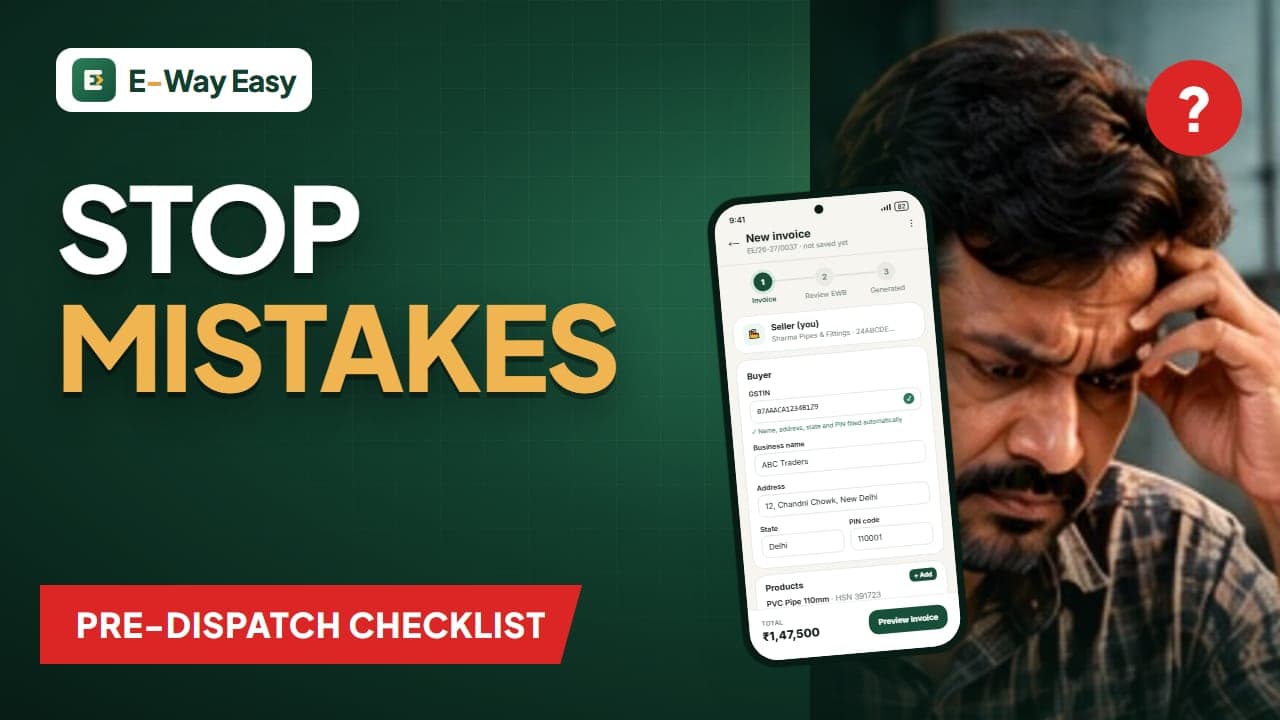
Table of contents
- Fixable vs not fixable
- The eight errors that cause most rework
- 1. GSTIN errors
- 2. Wrong delivery PIN
- 3. Wrong tax heads
- 4. HSN code or rate mismatch
- 5. Value mismatches
- 6. Vehicle number typos
- 7. Wrong distance
- 8. Old document date
- Pre-dispatch checklist
- Example (illustrative): one wrong PIN, one truck swap
- Common mistakes when fixing errors
- Quick action checklist
- Official sources
Quick answer: Check the GSTIN, delivery PIN, document number and date, value, HSN and vehicle number before you generate. Part A cannot be edited, so a Part A error means cancelling within 24 hours and generating again. Vehicle and transporter details can be updated later without cancelling.
Most e-way bill problems start on the invoice, before the e-way bill exists. One wrong GSTIN character or a PIN copied from the billing address flows straight into Part A. Some errors take seconds to fix; others need a cancellation, and after 24 hours not even that works.
Fixable vs not fixable
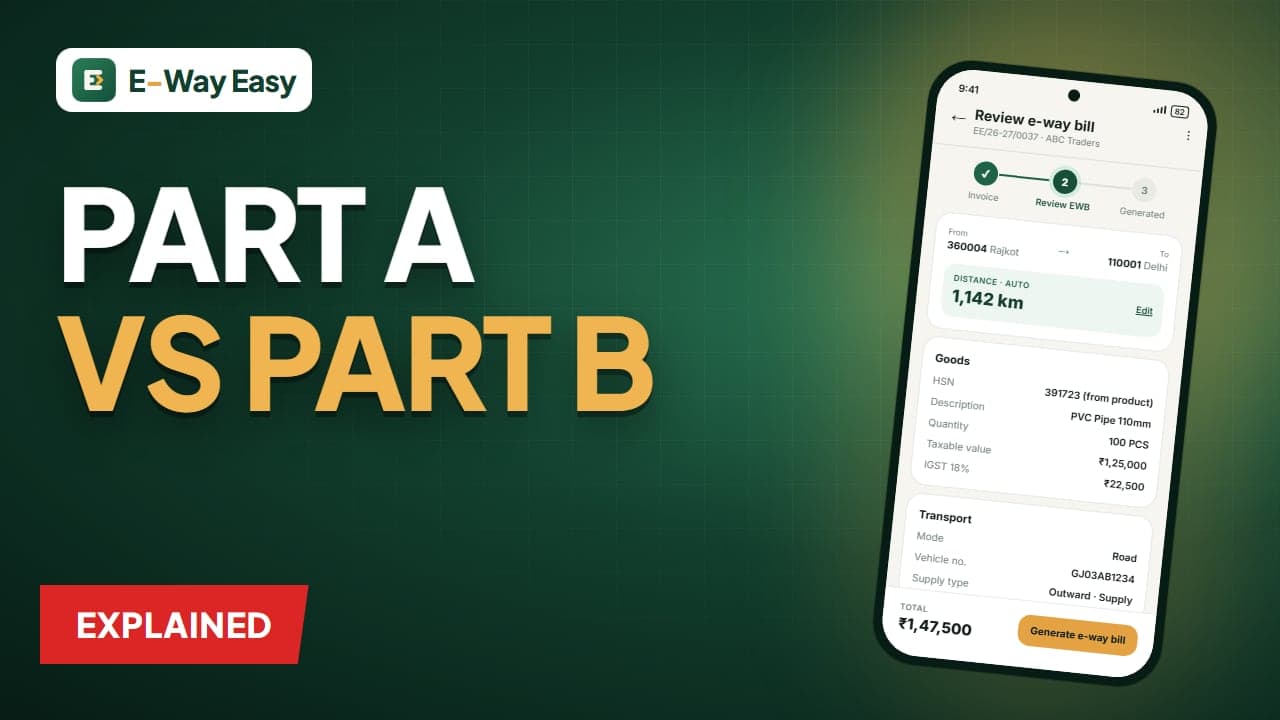
An e-way bill error is fixable if it sits in Part B or the transporter field, because both can be updated during validity. Errors in Part A, such as the GSTINs, delivery PIN, document details, value, HSN or reason for transport, cannot be edited. For those, you cancel within 24 hours and generate a fresh e-way bill.
| Detail | Where it sits | Can it be changed after generation? |
|---|---|---|
| Vehicle number, transport mode | Part B | Yes. Update Part B any number of times within validity |
| Transporter | Assignment | Yes. The transporter can be updated |
| Recipient GSTIN, delivery PIN | Part A | No. Cancel within 24 hours and regenerate |
| Document number or date | Part A | No. Cancel and regenerate |
| Value, HSN, quantity | Part A | No. Cancel and regenerate |
| Reason for transport | Part A | No. Cancel and regenerate |
Use these decision rules:
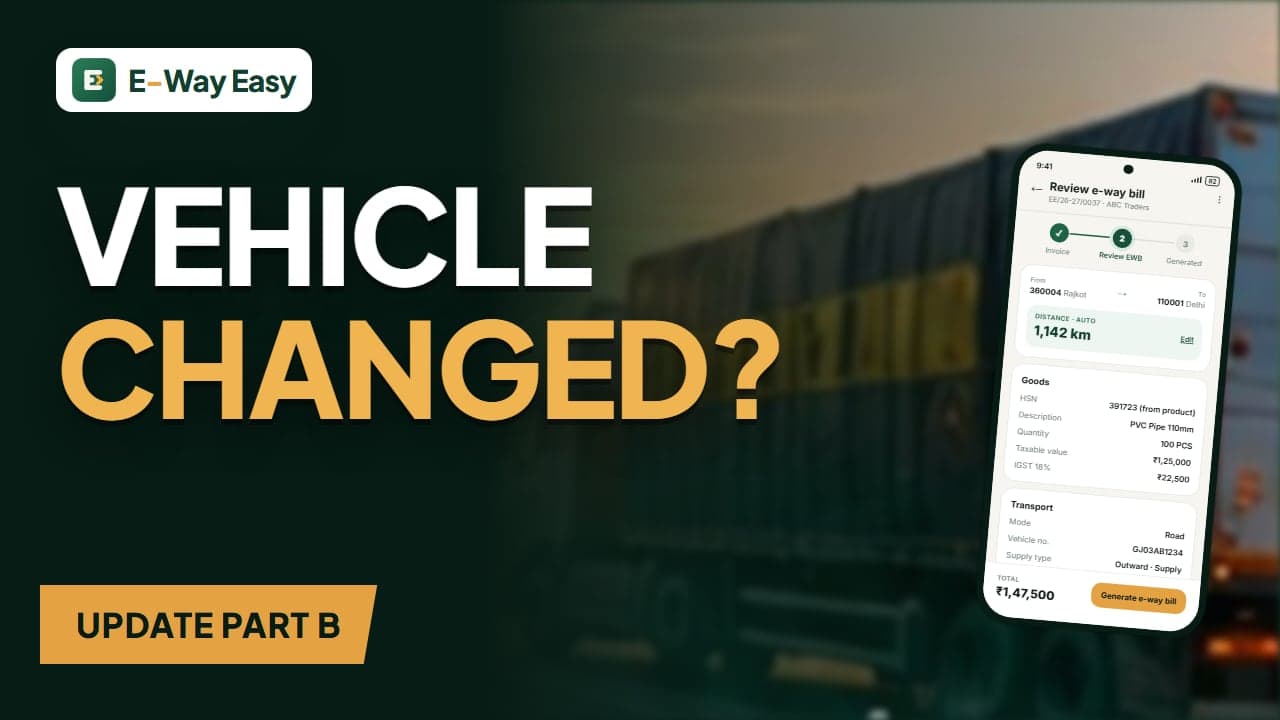
- If the error is in the vehicle number or mode, then update Part B. Do not cancel.
- If the error is in Part A, under 24 hours have passed and no officer has verified it, then cancel first and generate again.
- If 24 hours have passed or it was verified in transit, then the portal will not cancel it. Correct the invoice position and take advice.
A wrong recipient GSTIN has a side effect most people miss: the e-way bill shows up in that other business's account, and they can reject it. Your actual buyer, meanwhile, sees nothing. See the e-way bill cancellation guide for the exact steps.
The eight errors that cause most rework
Eight errors cause most e-way bill rework: wrong GSTIN, wrong delivery PIN, wrong tax heads, HSN or rate mismatch, value mismatch, vehicle number typos, wrong distance and an old document date. Each starts on the invoice or dispatch slip. So the fix is a data-entry habit, not a portal trick.
1. GSTIN errors
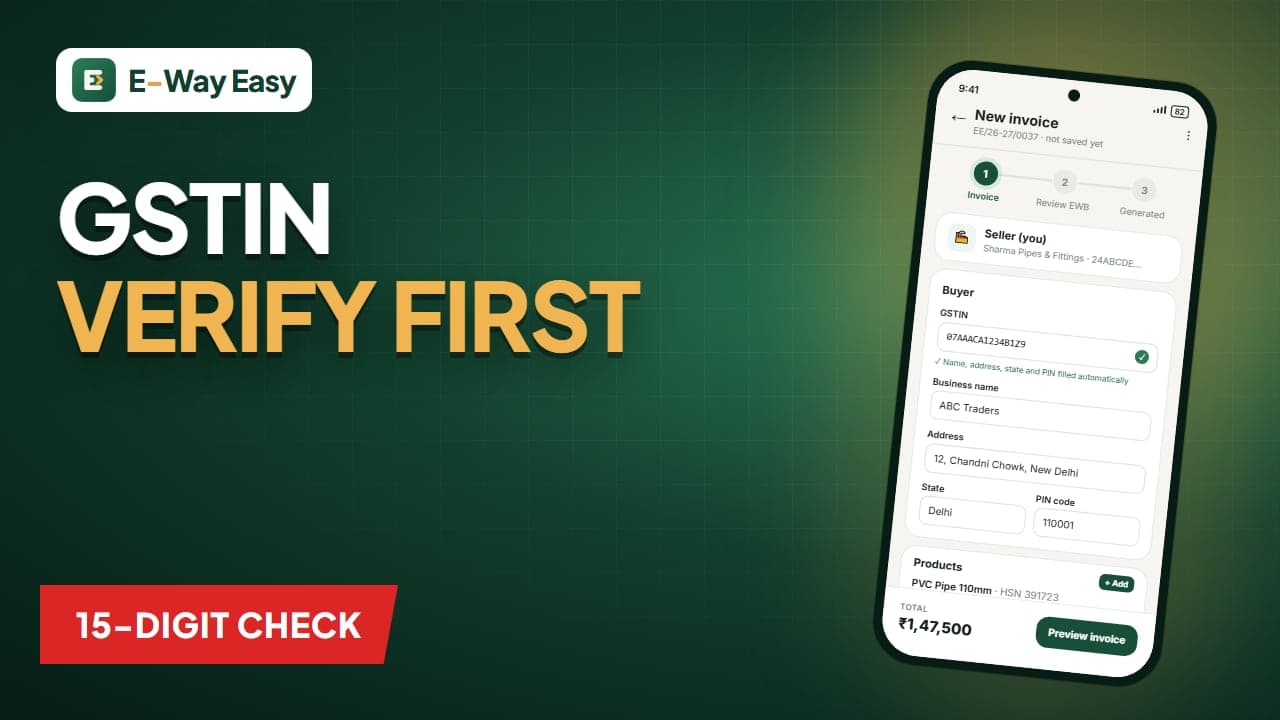
What happens: one character is mistyped, or you reuse an old GSTIN from a buyer who has since re-registered. The portal rejects a GSTIN with a bad check digit. A valid-but-wrong GSTIN, such as another business or a cancelled registration, passes the format check.
Prevention: verify each new buyer once on the GST portal, save it, and select from the saved list after that. Watch look-alike characters (0/O, 1/I, 5/S, 8/B). See GSTIN verification: what to check.
2. Wrong delivery PIN
What happens: you use the billing PIN when the truck unloads at a different site. The distance and validity are then wrong, and Part A cannot be changed.
Prevention: keep billing and shipping addresses as separate fields. Buyers with several godowns are the usual trap, because the default address in your buyer master gets picked. Ask "where will the truck unload?", not "where is the buyer's office?".
3. Wrong tax heads
What happens: IGST on an intra-state sale, or CGST + SGST on an inter-state sale. This is an invoice error first, and it flows into the e-way bill.
Prevention: compare your state code with the place of supply. Do not decide the tax type from the delivery PIN alone. In bill-to-ship-to orders, the truck's destination and the place of supply can sit in different states.
4. HSN code or rate mismatch
What happens: someone types the HSN freehand, so it differs between invoices, or the rate does not match the HSN.
Prevention: store the HSN and rate in your product list. Watch one spreadsheet trap: HSN codes in chapters 01 to 09 start with a zero. Excel turns 0910 into 910 unless you format the column as text.
5. Value mismatches
What happens: freight or packing is added to the total but not to the taxable value. Or the invoice total is rounded and the e-way bill total is not.
Prevention: decide how you treat freight, packing and round-off, and apply it the same way every time. The e-way bill value should match the document you generate it from.
6. Vehicle number typos
What happens: GJ03AB1234 becomes GJ03AB1243. A typo that still looks like a real number passes any format check. At a checkpoint, the goods are on a vehicle that is not the one in Part B.
Prevention: have the driver read the number off the plate, or send a photo, before Part B is filled. If you catch it later, update Part B before the goods move.
7. Wrong distance
What happens: a short distance gives too little validity. A long one is refused, because you can enter at most 10% more than the portal's PIN-to-PIN figure, with a 4,000 km ceiling.
Prevention: let the portal or your app calculate PIN-to-PIN distance. Adjust only for a genuine route difference. See e-way bill distance rules.
8. Old document date
What happens: you try to generate an e-way bill for an invoice raised long ago. As reported by GSTN, from 1 January 2025 the portal blocks e-way bills for documents dated more than 180 days before generation.
Prevention: generate close to the invoice and dispatch date. Goods billed early and held in your godown for months are the usual case where this bites.
Pre-dispatch checklist
A pre-dispatch checklist is a short list your dispatch desk ticks for every consignment before the e-way bill is generated. It takes a couple of minutes and catches the Part A errors that cannot be fixed later. Print it, keep it at the gate, and have one named person sign it off.
Invoice
- Invoice number is the next in the series and not used before
- Invoice date is today's (or the correct dispatch) date
- Buyer name and GSTIN selected from the verified saved list (or URP for unregistered)
- Billing address and shipping address both correct
- Place of supply state is correct for the tax type charged
- HSN code and GST rate correct for every line
- Quantities match the packing list or weighbridge slip
- CGST + SGST for intra-state, IGST for inter-state
- Taxable value + tax = invoice total
E-way bill Part A
- Document type and number match the invoice exactly
- Delivery PIN is the unloading point
- Reason for transport is correct (supply, job work, return, etc.)
- Value matches the invoice
- Distance is realistic for the route
Transport / Part B
- Vehicle number read from the actual plate
- Transport mode correct (road, rail, air, ship)
- Transporter ID or transport document number, if applicable
- Validity is enough for the expected journey
Handover
- Driver has the invoice (or challan) and the e-way bill number or printout
- E-way bill number recorded against the invoice in your register
The person who made the invoice should not be the only one who checks it. A second pair of eyes catches the errors your own eyes skip.
Example (illustrative): one wrong PIN, one truck swap
This example shows both kinds of error in one dispatch: a Part A error caught before generation costs nothing, and a Part B change after generation needs only an update. The same PIN error caught after generation would have forced a cancellation inside 24 hours.
A Jaipur handicraft exporter's domestic sales team dispatches a ₹96,000 consignment to a Delhi retailer. During the checklist, the supervisor notices the delivery PIN is the retailer's head office. The truck will actually unload at its warehouse in another part of NCR, so the PIN is corrected before generation.
After generation, the transporter swaps the truck. The vehicle number is in Part B, so the transporter simply updates it. No cancellation is needed.
Common mistakes when fixing errors
Most fixing mistakes come from using the wrong tool for the error. People cancel when a Part B update would do, generate a second e-way bill and leave the first one live, or fix the e-way bill but forget the invoice behind it. Each mistake leaves records that do not match.
- Cancelling when an update would do. A vehicle change needs a Part B update, not a cancellation.
- Generating a second e-way bill without cancelling the first. This leaves two live e-way bills for one consignment. Cancel first.
- Waiting past 24 hours. The cancellation window closes, and so does the clean fix.
- Cancelling after the truck has left. If an officer verifies it in transit, you can no longer cancel it.
- Fixing the e-way bill but not the invoice. If the error began on the invoice, correct the invoice record too.
For the full list of what can and cannot be corrected, see the e-way bill correction guide.
Quick action checklist
- Print the pre-dispatch checklist above and give it to one named person at the dispatch desk.
- Clean your buyer master: one verified GSTIN per buyer, with separate billing and shipping addresses.
- Format the HSN column in your product sheet as text, and fill the rate next to each HSN.
- Agree a fixed rule for freight, packing and round-off on invoices.
- Train the team on the decision rule: Part B errors get an update, Part A errors get a cancellation within 24 hours.
Want a second check before the truck leaves? Enter your invoice and e-way bill details side by side in the free invoice vs e-way bill checker to spot mismatches early.
Official sources
For the current rules on cancellation, Part B updates and distance, see the E-Way Bill System, the E-Way Bill 2.0 portal, the GST portal and CBIC GST. Portal behaviour can change, so confirm before you rely on any detail here.
Frequently asked questions
I entered the wrong vehicle number. Do I need to cancel the e-way bill?
No. The vehicle number sits in Part B, which you can update any number of times during validity. Update it before the goods move, so the vehicle on the road matches the record.
I entered the wrong buyer GSTIN. Can I edit the e-way bill?
No. Part A cannot be edited. Cancel the e-way bill within 24 hours of generation, provided it has not been verified in transit, and generate a new one with the correct GSTIN.
What if I notice an invoice error after the 24-hour cancellation window?
The portal will no longer let you cancel the e-way bill. Correct the invoice position through the proper GST mechanism, such as a credit or debit note where it applies, and take advice on the movement already made.
Does the portal catch a wrong GSTIN for me?
Only partly. The portal rejects a GSTIN with an invalid format or check digit. It cannot tell that a valid GSTIN belongs to the wrong business, so you still need to match the legal name.
Sources and references
- E-Way Bill System (official portal)ewaybillgst.gov.in
- E-Way Bill 2.0 portalewaybill2.gst.gov.in
- GST portalwww.gst.gov.in
- CBIC GSTcbic-gst.gov.in
This article is general information, not tax or legal advice. GST and e-way bill requirements depend on the transaction, applicable notifications and state-specific provisions. Check the official portals before you rely on it.
Written by
Bhavesh AkabariBhavesh Akabari writes and edits the E-Way Easy guides on e-way bills, GST invoicing and day-to-day compliance workflows for Indian manufacturers, wholesalers and traders. Drafts are prepared with AI assistance; he edits each one and checks the facts against official GST and e-way bill sources, and every compliance article carries a "last verified" date.
How we create contentRelated articles
How to Update Vehicle Details in an E-Way Bill
Truck broke down or goods shifted to another vehicle? Here is how Part B of an e-way bill is updated, who can do it and what to check first.
By Bhavesh Akabari · · 6 min read
GSTIN Verification: What Businesses Should Check
A 15-character GSTIN tells you a lot — state, PAN, entity and a check digit. Here is how to read it and what to verify before you bill or buy.
By Bhavesh Akabari · · 8 min read
E-Way Bill Part A and Part B Explained
What goes into Part A and Part B of Form GST EWB-01, who fills each part, when Part B can be skipped, and how to correct mistakes in either part.
By Bhavesh Akabari · · 5 min read